QR-validated flight recording
Select your club and aircraft, scan your personal QR to start, then scan it again to stop and save the flight.
 Flite Recorder
Time your flights, validate start and stop with QR, manage your hangar and keep a clean logbook—without juggling notes, files and separate apps.
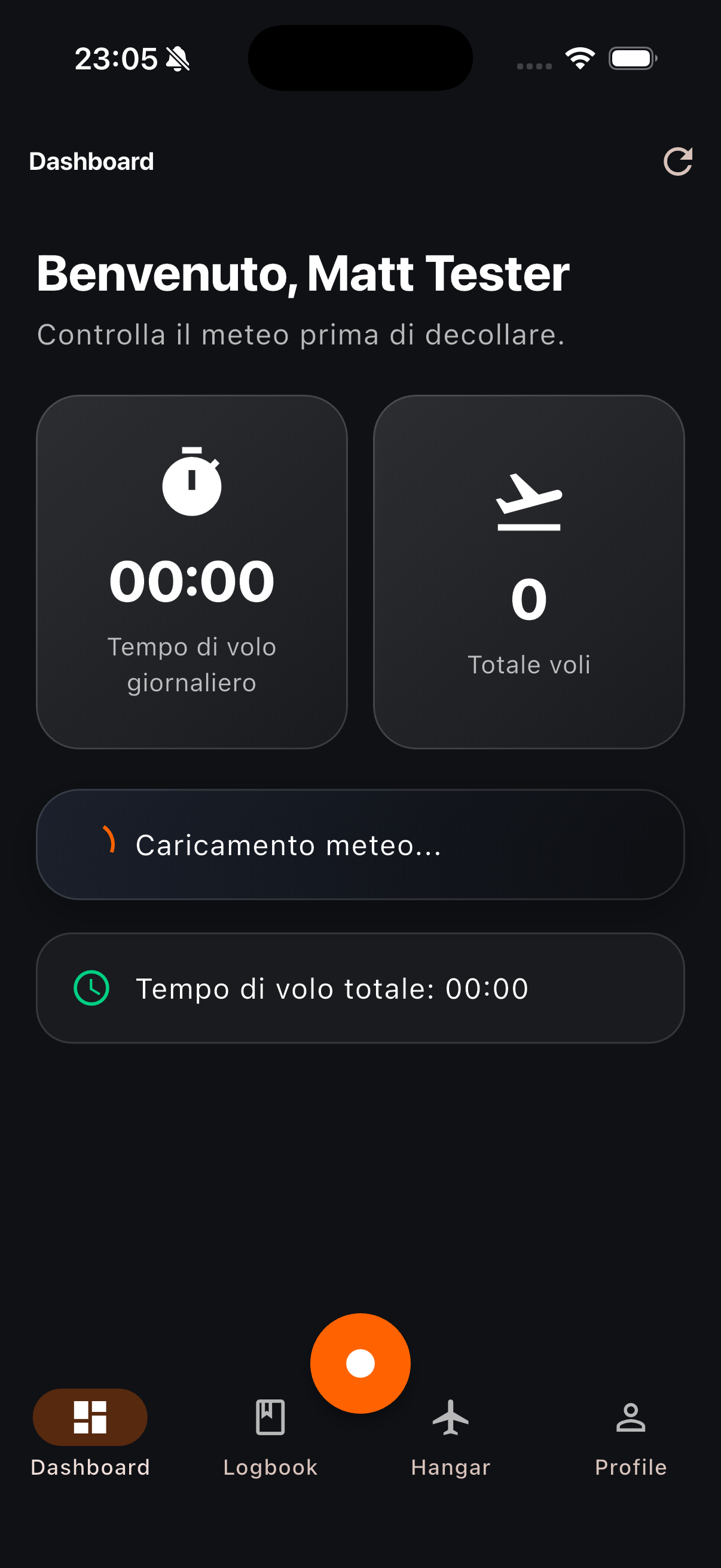
Flite Recorder keeps the essential parts of a flying session connected, so the aircraft you select, the time you fly and the record you export always belong together.
Select your club and aircraft, scan your personal QR to start, then scan it again to stop and save the flight.
On iOS, the active aircraft, club and elapsed time remain visible on the Lock Screen, Dynamic Island and StandBy.
Check nearby METAR and TAF information alongside daily and all-time flying totals before take-off.
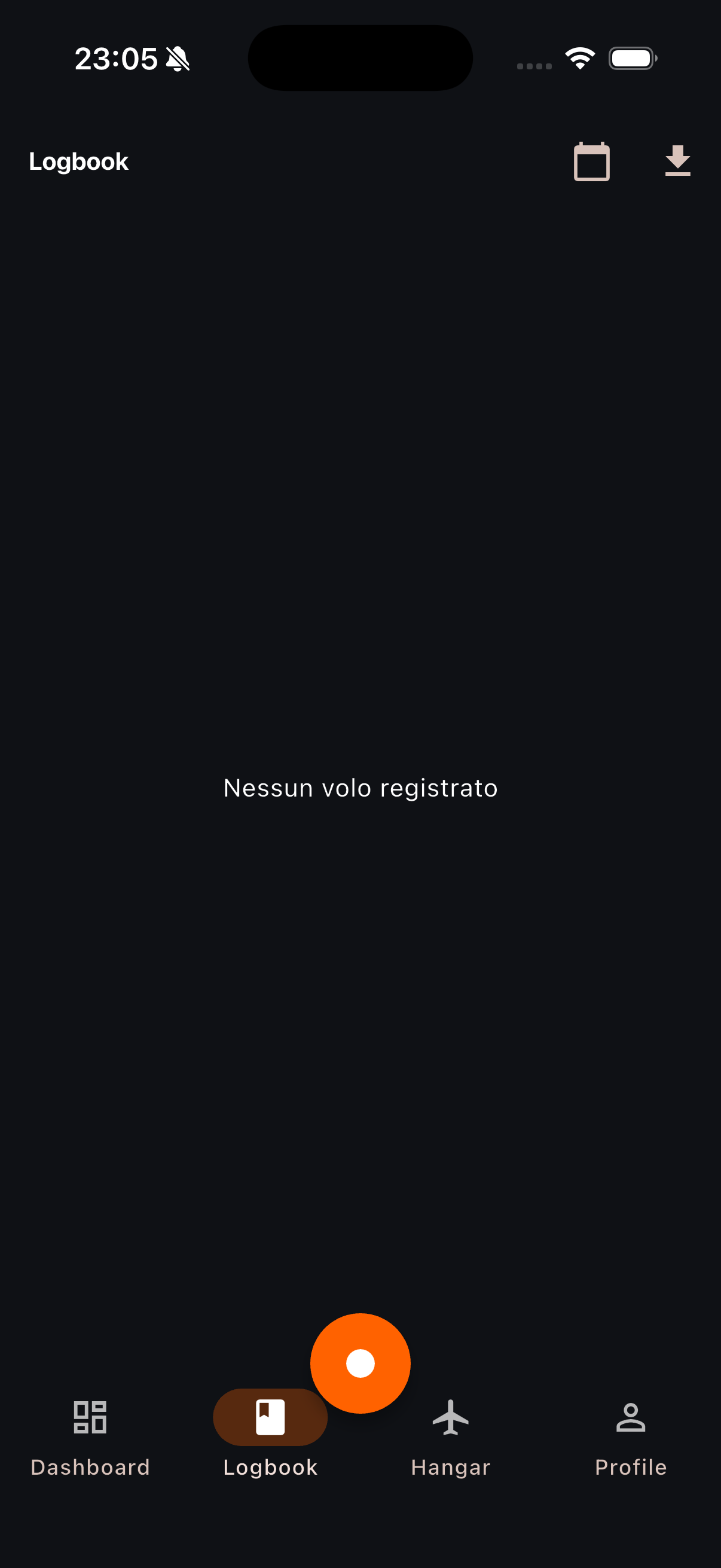
Filter flights by date, review durations and export a clean PDF record whenever you need it.
Daily flight time, total activity and nearby aviation weather share one clear dashboard designed for quick outdoor reading.
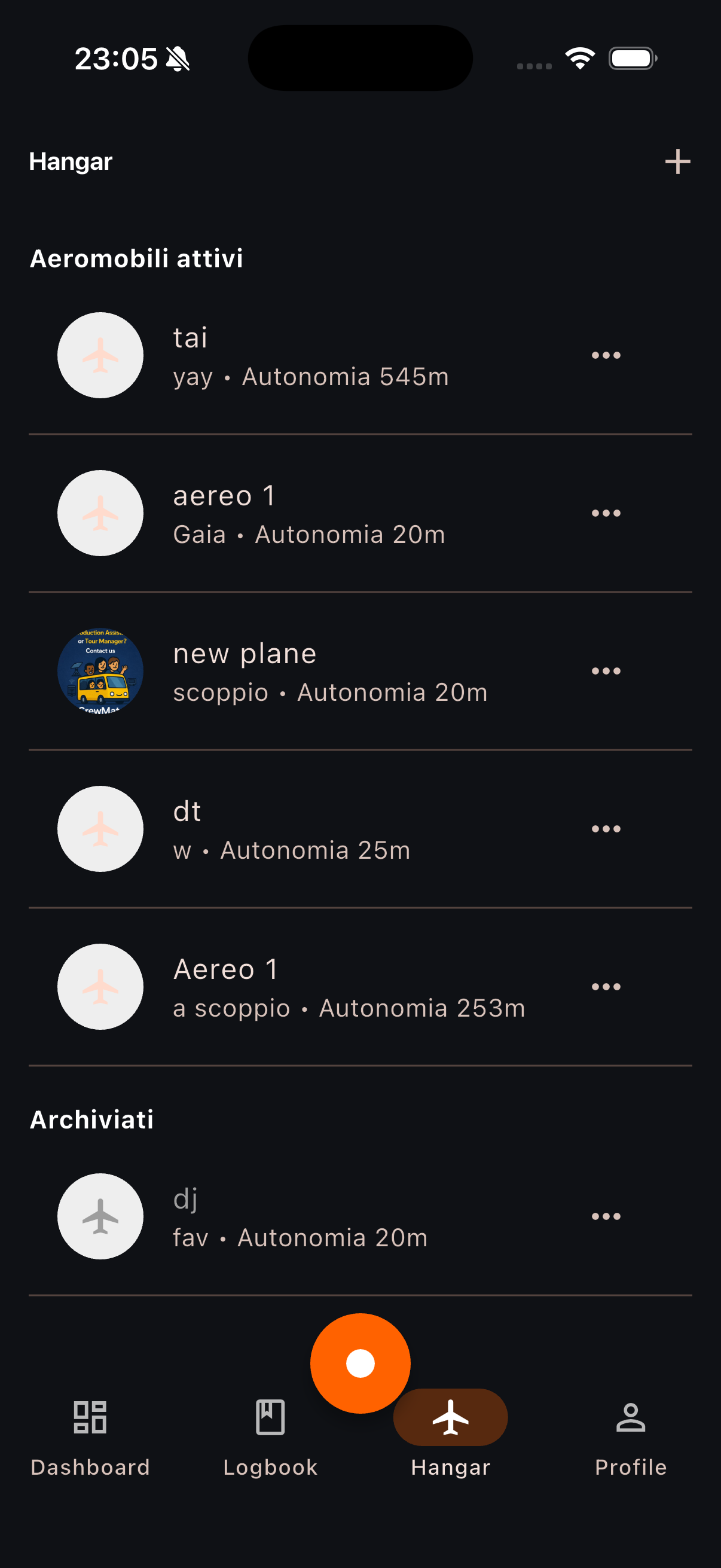
Keep active and archived aircraft organised with names, types, autonomy and an optional image. Your active hangar feeds directly into flight recording.
Completed sessions become structured flight records that can be filtered, checked and exported whenever a formal copy is useful.
The timer is persistent, so closing the app does not lose the active session. Stopping always requires the configured QR.
Choose the club and aircraft.
Validate the start QR.
Follow elapsed time live.
Validate the stop QR.
No behavioural advertising and no sale of personal data. You can manage your documents and delete your account from the app.
Join the Flite Recorder beta and share feedback from real flying sessions.
Request beta access